UniFi U7 Pro Max: Technical Review and Comparison
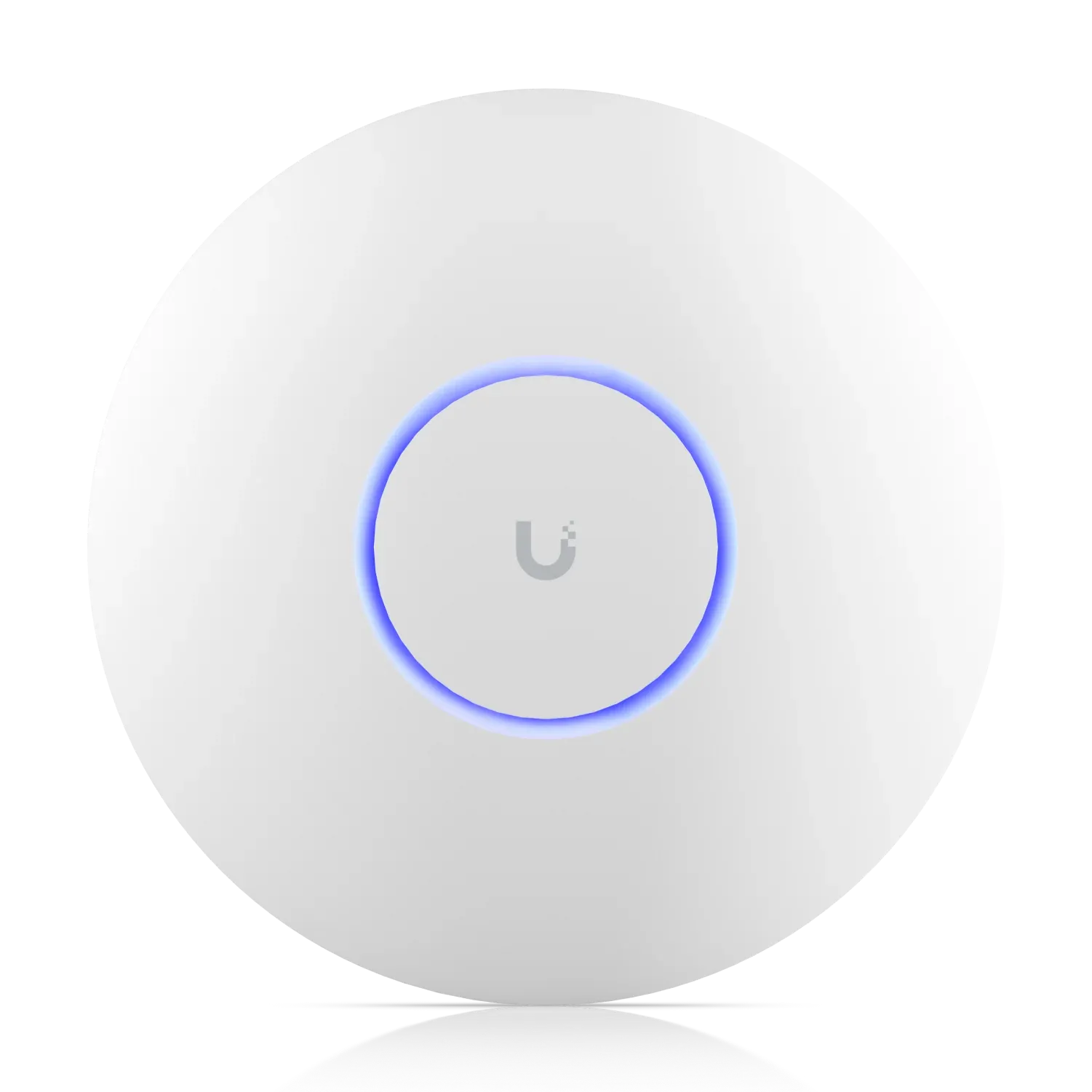
UniFi U7 Pro Max
TL;DR: The UniFi U7 Pro Max ($279) delivers double the 5 GHz throughput of the U7 Pro thanks to 4×4 MIMO (vs 2×2), supports 500+ concurrent clients, and includes real-time spectral analysis for interference mitigation. Choose this for high-density environments; stick with the U7 Pro ($189) for standard deployments.
What Is the U7 Pro Max?
The U7 Pro Max is Ubiquiti's high-density WiFi 7 access point designed for venues that need maximum 5 GHz performance and client capacity. While it shares the same 6 GHz capabilities as the standard U7 Pro, the Max variant doubles 5 GHz throughput and adds real-time spectral analysis for interference detection.
Key Specifications
| Radio | Configuration | Max Data Rate |
|---|---|---|
| 6 GHz | 2×2 DL/UL MU-MIMO | 5.8 Gbps (320 MHz) |
| 5 GHz | 4×4 DL/UL MU-MIMO | 8.6 Gbps (240 MHz) |
| 2.4 GHz | 2×2 DL/UL MU-MIMO | 688 Mbps (40 MHz) |
Physical Specs:
- Dimensions: ⌀206 × 46 mm (8.1" × 1.8")
- Weight: 680 g (1.5 lb)
- Max Power Draw: 25W (PoE+ required)
- Uplink: 2.5 GbE RJ45
- Operating Temperature: -30 to 50°C (-22 to 122°F)
U7 Pro vs U7 Pro Max Comparison
| Feature | U7 Pro | U7 Pro Max | Difference |
|---|---|---|---|
| Spatial Streams | 6 | 8 | +33% |
| 5 GHz MIMO | 2×2 | 4×4 | 2× throughput |
| 5 GHz Max Rate | 4.3 Gbps | 8.6 Gbps | +100% |
| Max Client Count | 300+ | 500+ | +67% |
| Coverage Area | 140 m² | 160 m² | +14% |
| Power Draw | 21W | 25W | +19% |
| Price | $189 | $279 | +$90 |
Key Takeaway: The U7 Pro Max doubles 5 GHz throughput with 4×4 MIMO and increases client capacity by 67%. The $90 premium is justified only if you need these specific capabilities.
WiFi 7 Feature Set
Both models support the full WiFi 7 specification:
- MLO (Multi-Link Operation): Simultaneous transmission across multiple bands
- Preamble Puncturing: Avoids interference by skipping occupied channels
- 4K-QAM: 20% throughput increase over WiFi 6's 1K-QAM
WiFi 7 Throughput Gains:
├─ 6 GHz: 5.8 Gbps (320 MHz channels)
├─ 5 GHz: 8.6 Gbps (240 MHz channels) ← U7 Pro Max advantage
└─ 2.4 GHz: 688 Mbps (40 MHz channels)
Power and Cabling Requirements
The U7 Pro Max requires PoE+ (802.3at) due to its 25W max draw:
| PoE Standard | Wattage | Supported |
|---|---|---|
| 802.3af (PoE) | 15.4W | ❌ No |
| 802.3at (PoE+) | 30W | ✅ Yes |
| 802.3bt (PoE++) | 60W/90W | ✅ Yes |
Recommended Switches:
- UniFi Pro 24 PoE (400W total budget)
- UniFi Pro 48 PoE (600W total budget)
- Enterprise 24 PoE (available if you plan future expansion)
When to Choose Each Model
Choose U7 Pro Max for:
- Stadiums, arenas, and conference centers
- High-density offices (100+ users per AP)
- 4K/8K video streaming environments
- VR/AR deployment zones
- Locations with significant RF interference (spectral analysis feature)
Choose U7 Pro for:
- Standard office environments (20-50 users per AP)
- Residential deployments
- Small to medium retail locations
- Cost-conscious deployments where 5 GHz 2×2 MIMO is sufficient
Deployment Recommendations
Before installing:
- Verify switch PoE budget (25W per AP minimum)
- Confirm 2.5 GbE uplink availability
- Use WiFiman or UniFi Design Center for coverage planning
- Enable spectral analysis on the Max variant for RF optimization
Configuration Example:
Radio Settings:
  6 GHz:
    Channel Width: 320 MHz
    Channel: Auto
    Transmit Power: Auto
  5 GHz:
    Channel Width: 240 MHz
    Channel: Auto
    Transmit Power: Auto
  2.4 GHz:
    Channel Width: 40 MHz
    Channel: 1, 6, or 11
    Transmit Power: Medium
Pricing and Model Line
| Model | Price | Best For |
|---|---|---|
| U7 Pro | $189 | Standard deployments |
| U7 Pro Max | $279 | High-density venues |
| U7 Pro Wall | $189 | Wall-mounted installs |
Final Thoughts
The U7 Pro Max justifies its $90 premium only when you need the additional 5 GHz throughput and client capacity. For most deployments, the standard U7 Pro delivers sufficient WiFi 7 performance at a significantly lower price point.
Choose the U7 Pro Max if: You have high-density requirements, need maximum 5 GHz throughput, or benefit from real-time spectral analysis.
Choose the U7 Pro if: You're deploying in standard office or residential environments where cost efficiency matters more than maximum throughput.
For more on WiFi 7 access points, see what to expect from UniFi WiFi 7 APs and how to install a UniFi U7 Pro access point.